




Abstract
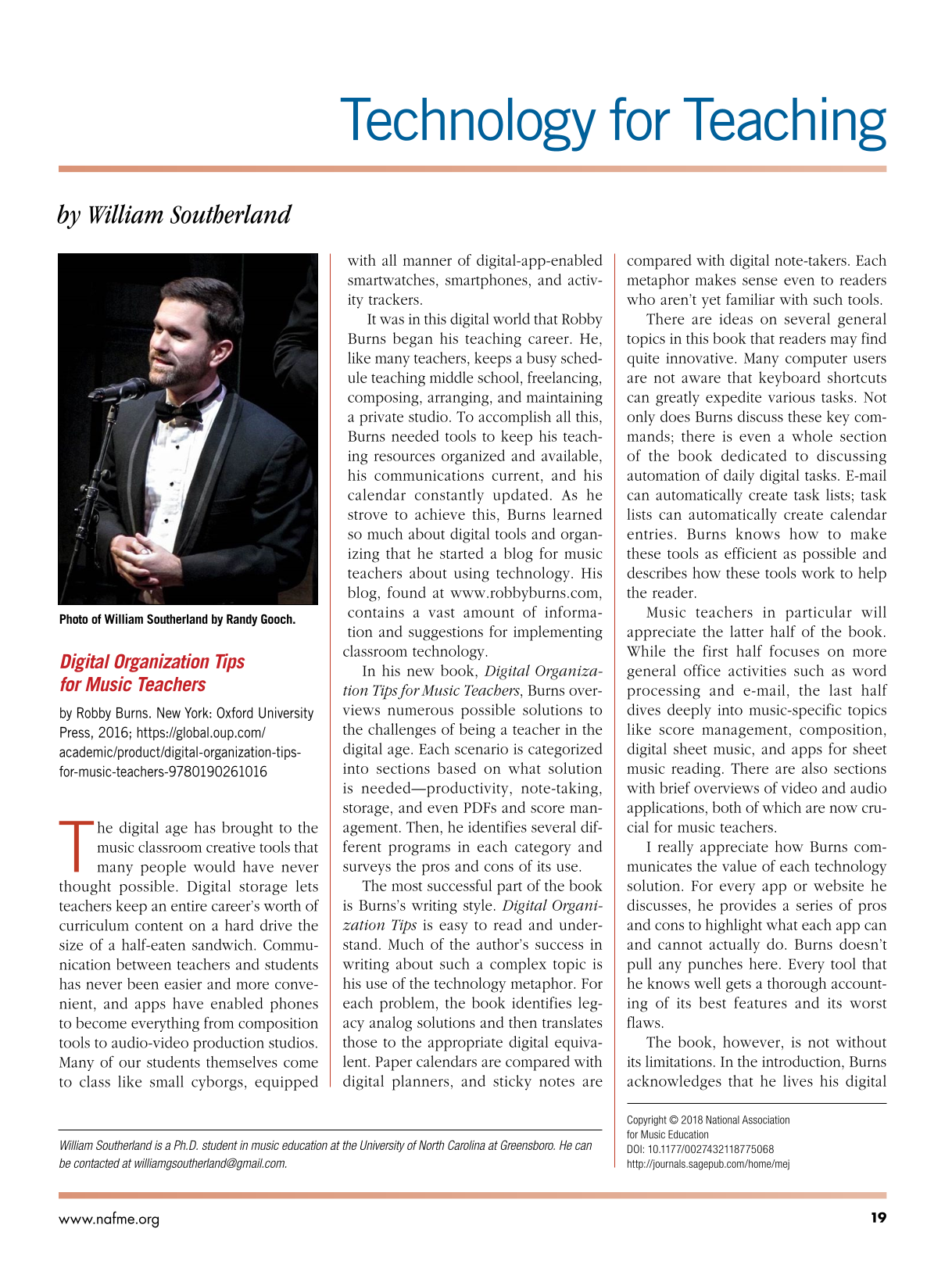
Photo of William Southerland by Randy Gooch.

Digital Organization Tips for Music Teachers
by Robby Burns. New York: Oxford University Press, 2016; https://global.oup.com/academic/product/digital-organization-tips-for-music-teachers-9780190261016
The digital age has brought to the music classroom creative tools that many people would have never thought possible. Digital storage lets teachers keep an entire career’s worth of curriculum content on a hard drive the size of a half-eaten sandwich. Communication between teachers and students has never been easier and more convenient, and apps have enabled phones to become everything from composition tools to audio-video production studios. Many of our students themselves come to class like small cyborgs, equipped with all manner of digital-app-enabled smartwatches, smartphones, and activity trackers.
It was in this digital world that Robby Burns began his teaching career. He, like many teachers, keeps a busy schedule teaching middle school, freelancing, composing, arranging, and maintaining a private studio. To accomplish all this, Burns needed tools to keep his teaching resources organized and available, his communications current, and his calendar constantly updated. As he strove to achieve this, Burns learned so much about digital tools and organizing that he started a blog for music teachers about using technology. His blog, found at www.robbyburns.com, contains a vast amount of information and suggestions for implementing classroom technology.
In his new book, Digital Organization Tips for Music Teachers, Burns overviews numerous possible solutions to the challenges of being a teacher in the digital age. Each scenario is categorized into sections based on what solution is needed—productivity, note-taking, storage, and even PDFs and score management. Then, he identifies several different programs in each category and surveys the pros and cons of its use.
The most successful part of the book is Burns’s writing style. Digital Organization Tips is easy to read and understand. Much of the author’s success in writing about such a complex topic is his use of the technology metaphor. For each problem, the book identifies legacy analog solutions and then translates those to the appropriate digital equivalent. Paper calendars are compared with digital planners, and sticky notes are compared with digital note-takers. Each metaphor makes sense even to readers who aren’t yet familiar with such tools.
There are ideas on several general topics in this book that readers may find quite innovative. Many computer users are not aware that keyboard shortcuts can greatly expedite various tasks. Not only does Burns discuss these key commands; there is even a whole section of the book dedicated to discussing automation of daily digital tasks. E-mail can automatically create task lists; task lists can automatically create calendar entries. Burns knows how to make these tools as efficient as possible and describes how these tools work to help the reader.
Music teachers in particular will appreciate the latter half of the book. While the first half focuses on more general office activities such as word processing and e-mail, the last half dives deeply into music-specific topics like score management, composition, digital sheet music, and apps for sheet music reading. There are also sections with brief overviews of video and audio applications, both of which are now crucial for music teachers.
I really appreciate how Burns communicates the value of each technology solution. For every app or website he discusses, he provides a series of pros and cons to highlight what each app can and cannot actually do. Burns doesn’t pull any punches here. Every tool that he knows well gets a thorough accounting of its best features and its worst flaws.
The book, however, is not without its limitations. In the introduction, Burns acknowledges that he lives his digital life exclusively within the Apple ecosystem. As a result, almost all the computer programs and apps he describes are Mac- and iPhone-centric, and screenshot images are all from the Apple OSX or iOS point of view. For examples, Burns spent many pages describing functionality in Apple’s web browser Safari, a browser only available for Mac computers, without giving any attention to the most currently popular browser on all platforms, Google Chrome. Thankfully, many of his best suggestions are websites that can be used on any browser on any platform.
While Burns does his best to at least mention PC and Android apps in each section, the descriptions of these programs are cursory at best. I am primarily an Android and Windows PC user, and as such, I was disappointed that that book fails to mention several apps and programs that I would consider essential. For example, Mixcraft Studio is an exceptionally powerful and reasonably priced PC-only digital audio workstation (DAW) software that I use for recording my students in classes regularly. Mixcraft’s professional-level capabilities are substantially more robust than Mac’s free GarageBand software. MobileSheetsPro is, for me, an indispensable Android-based sheet music reading app with robust functionality like MP3 playback for instrumental tracks, cloud storage backups, and PDF contrast enhancement, functionality not found in the iOS-based sheet music app ForeScore.
Likewise, the book barely mentions the Google family of web applications—like Gmail, Drive, Keep, Slides, Sheets, or Docs—which are free for personal use, extremely powerful, easy to use, and have been adopted by many school systems. There is also no discussion of interactive whiteboard software, another requirement for many teachers. Both topics are of high importance to music teachers and especially to administrators who expect to see these technologies used in every lesson plan.
Digital Organization Tips is really an overview of possibilities, not a user’s manual. The recommendations in the book are suggestions and pro/con analyses, with a few pro-tips (sometimes spelled “protips,” it is a vernacular expression used in the online video game community to mean tricks for using software more effectively; see http://www.yourdictionary.com/protip). In the early chapters—on web browsers and e-mail—the book might seem overly simplistic to the modern reader. Later in the book, the author’s recommendations become highly technical—more geared toward “power users.” This book, however, does not have the space to provide readers with detailed instructions about how to use the software. Novice computer users will need to look elsewhere for instructions on how to use these tools in their work.
Every teacher appreciates ideas for how to better use available tools in today’s constantly changing technological environment. For Mac users, the book is an incredible overview of many of the best options for creating, storing, retrieving, and communicating information. For non-Mac users, there are a number of great tips and websites that can be used with any device and are helpful for creating solid workflows in the classroom. If it’s been a while since you’ve brushed up on your digital tools, or if you’re looking for ways to enhance your existing workflows, Digital Organization Tips for Music Teachers might be just the resource you need.
Footnotes
William Southerland is a Ph.D. student in music education at the University of North Carolina at Greensboro. He can be contacted at